Does your application run the same way everywhere?
Every application needs more than its own code to run: a particular language version, a web server, a database, a cache, and settings that change from one environment to the next. That setup usually lives on servers someone configured by hand, and over time the copies drift apart. A fix passes testing and then behaves differently in production, or a new developer spends their first days getting the application to run at all.
It starts to matter when something changes. You're moving to the cloud, or from one cloud provider to another. Traffic is growing, and adding servers by hand can't keep up. Your security team asks how each environment is built and patched. Or the person who set up the hosting has moved on, and nobody is sure what production depends on.
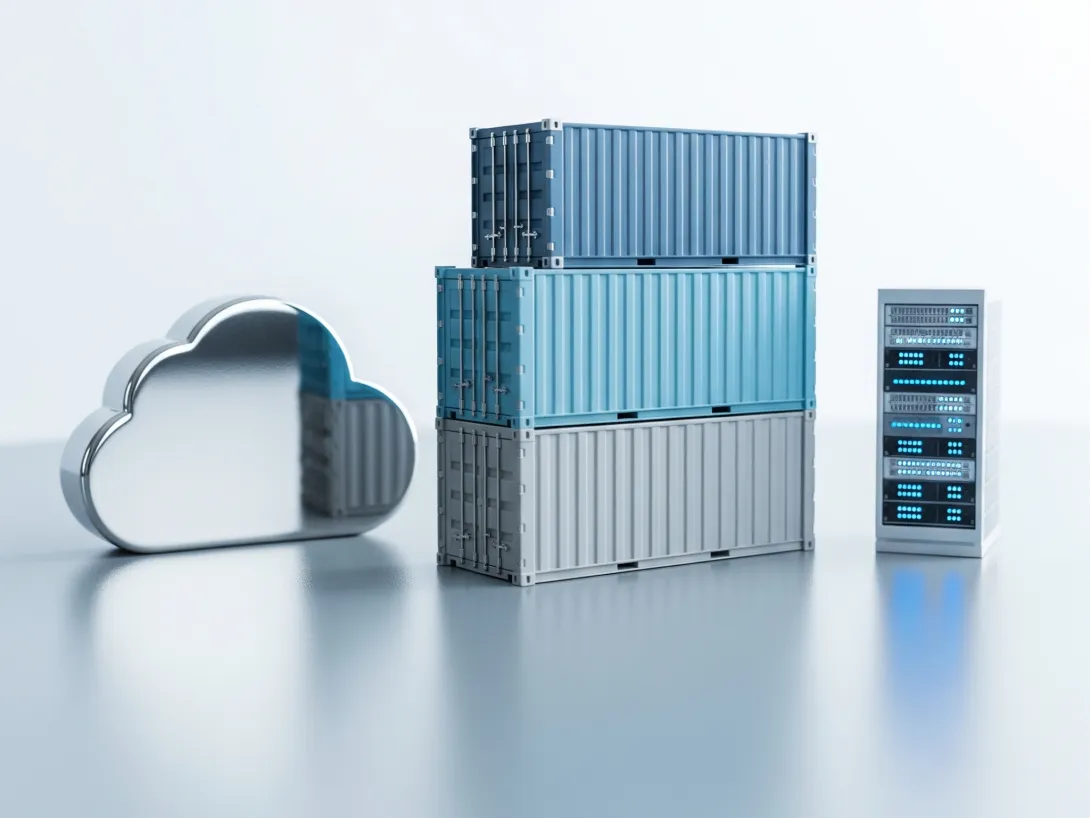
Containers write that setup down as code, so your application runs the same way on a developer's laptop, in testing and in production. We containerise applications of any kind and set them up on Kubernetes or on managed container services in AWS and Azure.
How we containerise your application
Whatever your application is built with, the work follows the same 5 steps.
1. We look at what your application needs
We start with your application as it runs today: its language and runtime, the services it depends on, such as databases, caches, search and queues, its configuration and secrets, and how it's built and released. That tells us what goes into each container and what's better left to a managed service, such as the production database.
2. We describe it in code
Each part of your application runs in its own container, built from a recipe called a Dockerfile that's stored with your code. Docker Compose(Opens in a new tab/window) describes how the containers work together on a developer's machine, so the whole application starts with a single command. Passwords, keys and other settings come from each environment, so the same image runs everywhere.
3. We choose where it runs
We recommend the simplest platform that meets your needs. Kubernetes(Opens in a new tab/window) suits applications made of several services that need to scale on their own, and it brings a cluster to look after. A managed container service runs your containers without one.
| Platform | Cloud | What it suits |
|---|---|---|
| Amazon Elastic Kubernetes Service (Amazon EKS)(Opens in a new tab/window) | AWS | Kubernetes on AWS, for applications with several services that scale independently |
| Amazon Elastic Container Service (Amazon ECS)(Opens in a new tab/window) with AWS Fargate(Opens in a new tab/window) | AWS | Containers on AWS without servers or a Kubernetes cluster to manage |
| Azure Kubernetes Service (AKS)(Opens in a new tab/window) | Azure | Kubernetes on Azure, often where your organisation already runs on Microsoft's cloud |
| Azure Container Apps(Opens in a new tab/window) | Azure | Containers on Azure without a Kubernetes cluster to manage |
4. We build the pipeline that ships it
Every change builds new images, runs your tests in the same containers and pushes the images to a registry, such as Amazon Elastic Container Registry or Azure Container Registry. On Kubernetes, we package the application with Helm(Opens in a new tab/window), so each environment differs only in its settings. New versions replace the running containers gradually, and a release that fails its health checks can be rolled back.
5. We hand it over and keep it current
Your team gets the whole setup in your code repository, with documentation and a walkthrough. Base images get security updates regularly, and under a support plan we rebuild and redeploy your images when they do.
What you get
Everything we set up lives in your code repository, next to the application it runs, so it stays yours whoever works on it next.
The container setup
The Dockerfiles for each part of your application and the Docker Compose file that runs them together on a developer's machine. Passwords and keys stay out of the images, so the setup is safe to share with your team.
The platform configuration
The Helm charts or service definitions that describe how your application runs on Kubernetes, Amazon ECS or Azure Container Apps, including how it scales and how its health is checked.
A deployment pipeline
The CI/CD pipeline that builds, tests and deploys each change, with every image stored in a container registry.
Documentation and a handover
Notes on how the setup works, how to run it locally and how releases go out, and a walkthrough with your developers.
Where we've done this
Containers have been part of how we work for years:
- We delivered Australia's first Docker-based government Drupal site, for the Victorian government, and took the same approach again for GovCMS.
- From 2018 to 2020, we worked with Salsa Digital on the DevOps for moving the GovCMS platform onto an open-source container platform that runs on Kubernetes. That included the automated workflow that moved its sites across, which we presented at DrupalSouth in 2018(Opens in a new tab/window).
- Every project we deliver runs in containers from the first commit, on developers' laptops and in testing, and our open-source CI image, ci-runner(Opens in a new tab/window), builds and tests them.
What it costs
Every application is different, so we price each piece of work on its own. We talk through what you need, then send you an estimate before any work starts, or a fixed-price quote for a defined scope. A fixed-price quote is the price, and nothing starts until you've approved the scope and cost.
Cloud running costs, such as the cluster and the computing your containers use, come from AWS or Azure on top of our work. We'll help you estimate them while we choose the platform, so you can compare the options before you commit.
Keeping the images and the platform current after launch can run on a support plan.
Where containerisation leads
The same containers run your automated tests and your CI/CD pipeline, so every change is checked on the setup it will run on. After launch, a support plan keeps the images and the platform up to date.
FAQs
Which applications can you containerise?
Most applications that run on Linux, whatever they're written in, along with the databases, caches, search engines and queues they depend on. If part of your application is better left outside a container, we'll tell you early.
Do we need Kubernetes?
Not always. Kubernetes suits applications with several services that scale on their own, and it brings a cluster to look after. A single application often runs well on a managed container service, such as Amazon ECS with AWS Fargate or Azure Container Apps. We'll recommend the simplest option that meets your needs.
Should we use AWS or Azure?
Usually whichever your organisation already uses, so your accounts, security policies and billing stay in one place. We work with both.
Can you move our existing application without downtime?
We run the containerised version alongside your current setup and switch traffic over once it's tested, so the move can happen without planned downtime. Your current hosting stays in place until you're happy to retire it.
What happens to our database?
In production, we usually recommend a managed database service, such as Amazon RDS or Azure Database for PostgreSQL or MySQL, so the provider handles backups and failover. Developers still run the database in a container on their own machines.
How do you handle passwords and keys?
They stay out of the images. Each environment supplies its own, through Kubernetes secrets or the cloud provider's secret store, such as AWS Secrets Manager or Azure Key Vault.
Will this change how our developers work?
A little. They run the application in containers on their own machines with Docker Compose, and the same images run in testing and production. We take your team through the setup at handover.